Compress PDF for Online Forms
Reduce PDF file size to 50KB, 100KB, or 200KB for government job & exam portals with instant offline processing right in your browser.
Select a PDF File
Drag & drop your document here or click browse to upload
100% Private & Secure
No server uploads. Your confidential documents (Aadhaar, PAN, certificates) are compressed locally in your web browser.
Crystal Clear Output
Significantly reduce PDF size below 200KB or 50KB while keeping signatures, text, and photos crisp and legible.
Built for Govt Portals
Easily match exact file upload constraints for SSC, UPSC, WBPSC, IBPS, Railways, and state scholarship portals.
See the Compression Quality
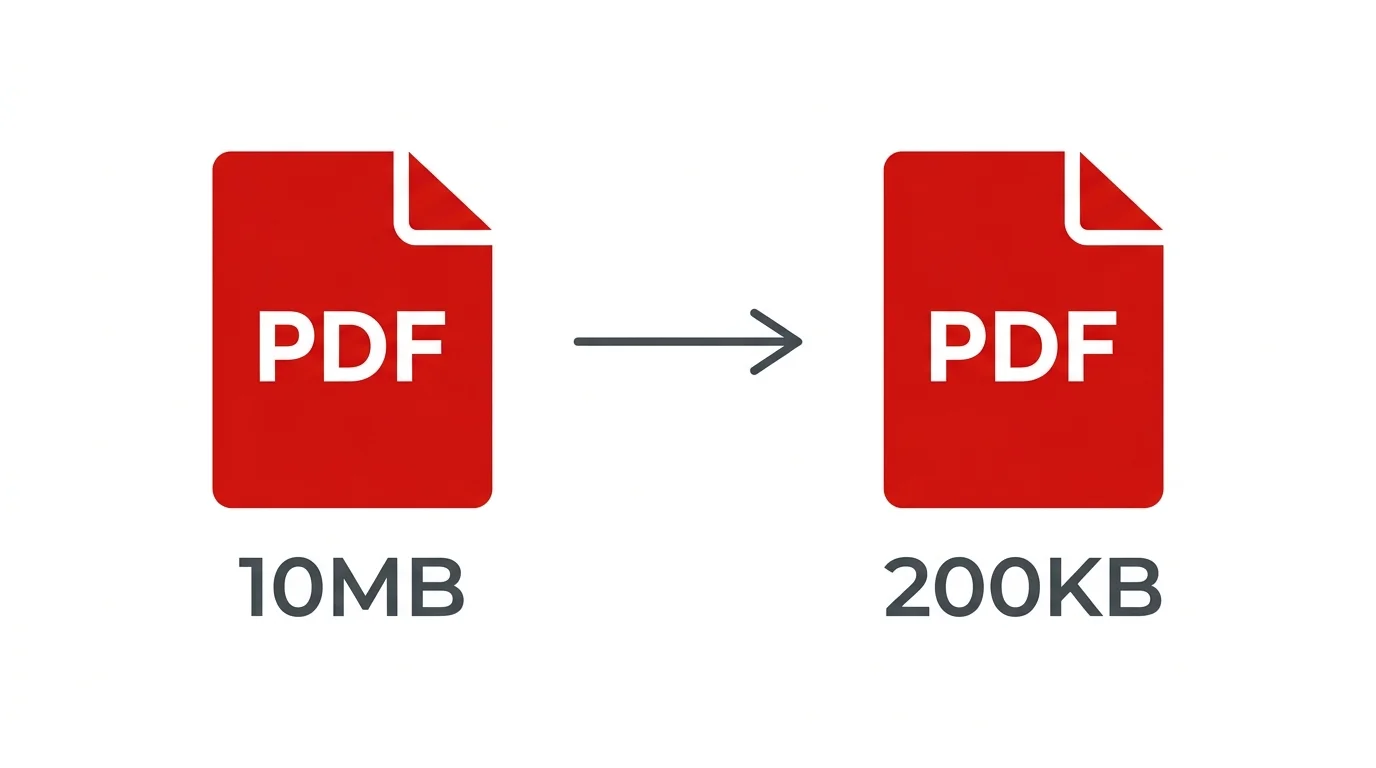
Achieve massive file size reductions without compromising legibility or layout integrity.
How to Compress a PDF
Upload Document
Click Browse or drag your PDF (Aadhaar, Marks Sheet, Certificate) into the dropzone.
Select Target Mode
Choose Balanced (for 100KB–200KB) or Max Reduction (for strict ≤50KB forms).
Process Offline
Click "Compress PDF" to optimize pages securely inside your browser.
Download & Upload
Check the verified new file size and download your form-ready PDF document.
Important Guidelines
Watch Step-by-Step Video Tutorial
Learn how to compress any PDF document to exact KB limits in seconds.
Complete Guide: Compressing PDF Files for Indian Online Applications
When applying for government jobs or admission exams like SSC CGL, CHSL, UPSC Civil Services, IBPS PO, WBPSC, or State Scholarship Schemes, candidates frequently encounter strict file size limitations for uploaded documents. Most portals mandate PDF files to be strictly under 200KB, 100KB, or even 50KB.
Why Client-Side Compression Protects Your Identity
Unlike conventional web-based compression services that transfer your confidential certificates, Aadhaar cards, and PAN cards to external cloud servers, Smart Cyber Cafe performs all image resampling and PDF recompilation strictly in your browser memory. Your sensitive files never leave your device.
How to Select the Right Compression Preset
- Best Quality: Minor optimization keeping high raster fidelity. Ideal for detailed certificates, mark sheets with fine print, and land records.
- Balanced (Recommended): Perfectly engineered for SSC, UPSC, and university admissions requiring documents between 100KB and 200KB.
- Max Reduction: Aggressive downsampling suitable for portals enforcing extremely tight ≤50KB caps (e.g., signature or single-page identity receipts).
Frequently Asked Questions
Got questions? Find answers to common queries regarding PDF compression and portal compliance.
Upload your PDF into the tool above, select the Balanced preset, and click "Compress PDF". Your document will be optimized locally within seconds, ready for instant download.
Choose our Balanced or Max Reduction mode. Our engine downsamples embedded raster images and strips redundant metadata while preserving high-contrast vector text, ensuring all signatures and numbers remain 100% legible.
Yes, absolutely. Our compression engine operates completely inside your web browser using WebAssembly. Your documents are never uploaded to any remote server or stored in any database.
Government portals manage millions of simultaneous applications during recruitment windows. Strict file size limits allow server infrastructure to process submissions rapidly without network congestion.
You can upload documents up to 100MB. Because processing runs locally on your computer or phone, performance scales with your device's available memory.
Yes. If your document is password protected (such as an e-Aadhaar or e-PAN card), our system will prompt you for the password to decrypt the file in memory before proceeding with compression.