Image Resizer
Resize images for official application forms (SSC, UPSC, PAN, Passport) or custom dimensions. Fast, secure, and processed locally in your browser.
Select Image to Resize
Drag & drop an image here or click browse to upload
100% Secure & Offline
No server uploads. Your photos and signatures are processed locally in your browser memory, ensuring complete privacy.
Exact KB & Pixel Resizing
Set custom width and height (e.g., 200×230px, 413×531px) or inches at 300 DPI for flawless application uploads.
Perfect for Govt Portals
The ultimate passport size photo maker online. Ideal for SSC, UPSC OTR, WBPSC, and IBPS RRB exam applications.
Pixel-Perfect Resizing For Any Requirement
Meet exact government portal specifications while preserving facial detail and document legibility.
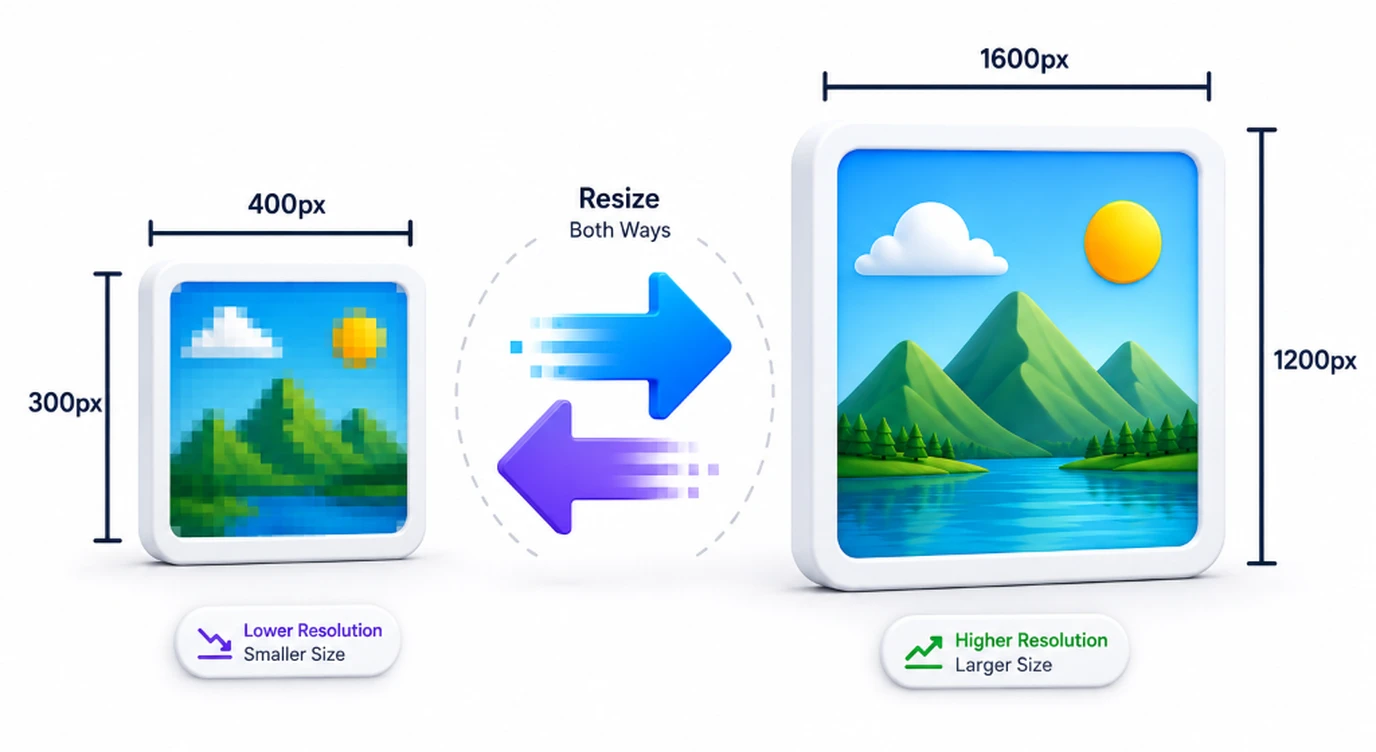
How to Resize Images
Upload Photo/Signature
Drag & drop your image file or click Browse to select files from your device.
Set Target Dimensions
Choose a preset (like Passport or Stamp Size) or enter custom width and height in px or inches.
Maintain Aspect Ratio
Toggle the link icon to automatically balance dimensions and avoid stretched photos.
Download Securely
Click "Resize & Download" to process and save the file instantly on your device.
Important Guidelines
Watch Step-by-Step Video Tutorial
Learn how to easily resize application photos to exact dimensions.
The Ultimate Online Image Resizer for Indian Government Forms
Filling out government applications online can be extremely frustrating when your scanned documents are rejected due to size or dimension constraints. Whether you need an ssc photo and signature resizer online, or you specifically want to reduce image size to 50kb for ssc forms, our browser-based tool offers a seamless, secure solution.
Why Client-Side Processing Protects Your Documents
Many online tools upload your photos and identity cards to remote servers. Smart Cyber Cafe resizes images directly using HTML5 Canvas in your browser memory, keeping your documents 100% private.
Easily Meet Strict Pixel and KB Requirements
Many government and exam portals require precise dimensions. For instance, you might need to resize image to 200x230 pixels for specific state applications or use a reliable wbpsc food si photo signature resizer. Using our tool, you can simply input custom dimensions and safely export crisp, perfectly sized files.
Frequently Asked Questions
Common questions about resizing photos and signatures for official portals.
Upload your photo, set the target dimension or quality, and the tool will resize your photo to exactly 20kb required for SSC CGL forms, completely offline.
Yes, it perfectly handles both photo and signature resizing. You can easily compress your signature to 10kb or reduce image size to 50kb for SSC applications.
Absolutely. Enter 200 in the width and 230 in the height fields using the custom dimensions option to instantly resize your image to 200x230 pixels.
Upload your scanned documents, select the UPSC preset or enter custom dimensions, and the upsc otr photo and signature compressor online tool will ensure it meets the strict KB limits securely.
Yes, you can upload your thumb impression and photo, then reduce the image size in kb to exactly match the IBPS RRB guidelines without losing clarity.
100% secure. It functions as a complete wbpsc food si photo signature resizer that processes all images locally in your browser. Your files are never uploaded to any server.
Yes. Select the Passport preset (413 x 531 px at 300 DPI) to instantly format your photo to standard Indian passport, Aadhaar, and Voter ID specifications.
Completely. Because the image resizing happens offline in your web browser using HTML5 Canvas, your sensitive documents never leave your device.